The Klein Tools ET920 is a USB power meter that goes in line with a USB-A or USB-C port and shows voltage, current, capacity, energy and resistance at once. It is built for techs and tinkerers who need to know what a charger, cable or port is really delivering. From the spec sheet, it looks like a solid pick for that job.
It tests 3 to 20V DC and handles up to 3A on USB-A or 5A on USB-C. It also works with Qualcomm Quick Charge ports, so it covers most ports you will meet. It needs no batteries and stores 10 readings. Resistance is calculated, so treat it as a derived number.
Quick verdict: A battery-free, pocket-sized meter that covers the common USB checks.
- Best for: Checking chargers, cables and ports on the job.
- Skip it if: You need to measure loads below 0.05A or above 5A.
- Key spec: 3 to 20V DC, up to 5A on USB-C.
Klein Tools ET920 Key Specs and What Comes in the Box
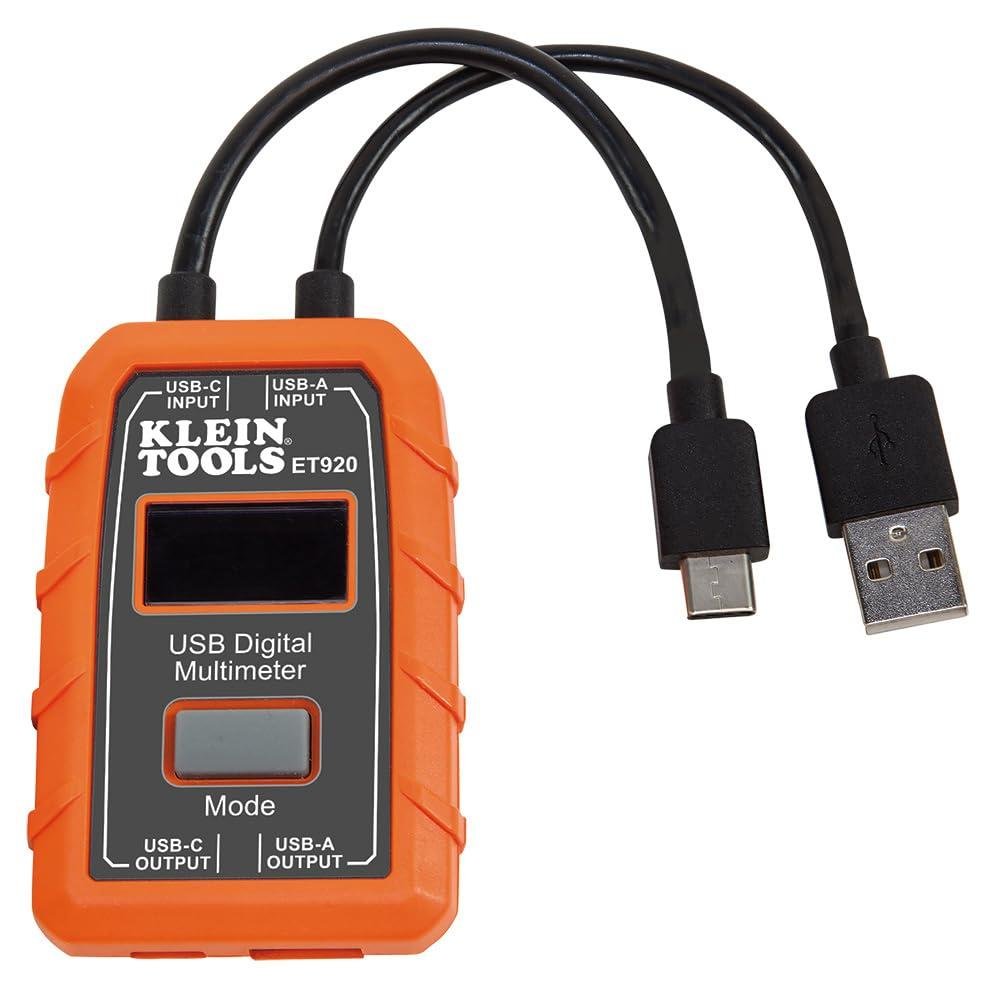
The spec that matters most is the range. This meter reads 3 to 20V DC, with current from 0.05 to 3A on USB-A and 0.05 to 5A on USB-C. That covers most common USB ports, including Qualcomm Quick Charge ports that can deliver power. Very small loads under 0.05A fall below what it is specified to read.
- Readings: voltage, current, capacity, energy and calculated resistance, shown at the same time
- Monitoring time: up to 1000 hours
- Memory: store and recall up to 10 readings
- Protection: detects voltage and current overload
- Build: pocket-sized, with 6.6 ft (2 m) drop protection
It needs no batteries because it draws power from the source it is measuring. You connect it in line between the power source and the device. The hi-resolution LCD is meant to stay readable in low light, which helps in a dim equipment room or a van.
The listing does not spell out what ships in the box, so I will not guess. Check the retailer listing for cables or accessories before you count on them.
How Accurate Are Voltage, Currentand Capacity Readings?
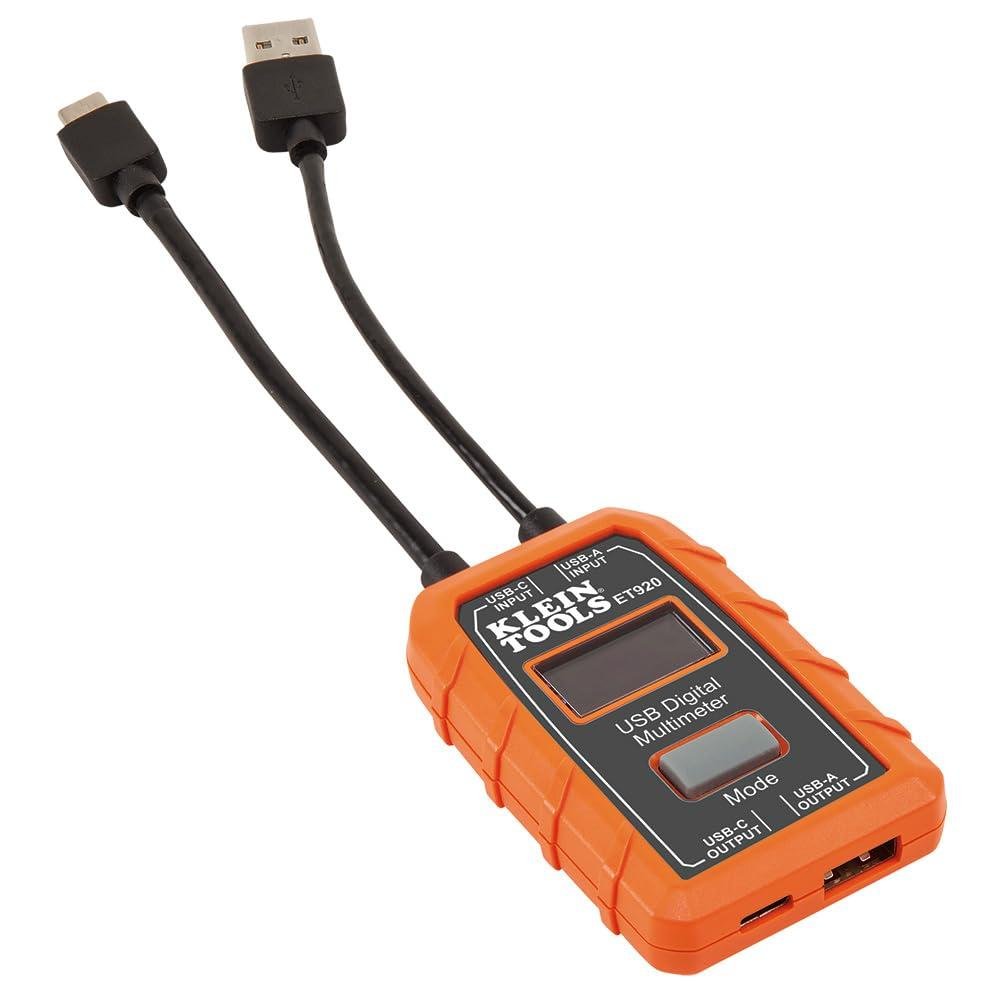
Klein Tools says this meter measures voltage, current, capacity, energy and resistance accurately and reliably. The description does not list an accuracy tolerance, so I can’t give you a percentage. For checking whether a charger, cable or port is delivering what it should, that is usually enough. If you need a reference-grade number, I’d want a stated tolerance first.
- Voltage: 3 to 20V DC
- Current, USB-A: 0.05 to 3A
- Current, USB-C: 0.05 to 5A
- Capacity and energy: tracked continuously for up to 1000 hours
- Resistance: calculated, not measured directly
Keep the ranges in mind. Anything below 0.05A is outside the stated current range, so a tiny standby draw is not something to trust this meter on. Capacity and energy build up over time from the current and voltage readings, so any error in those carries into the totals on a long run. Resistance is worked out from voltage and current, so it is best used to compare one cable or port against another. The meter also flags voltage and current overload, which tells you when a reading is outside what it can handle.
Is the Klein ET920 Built Tough Enough for Jobsite Use?
Klein rates this meter for drops from 6.6 ft (2 m). That covers a fall off a ladder, a tailgate or a bench, which is where most small meters end up sooner or later. It is also pocket-sized and light, so it rides in a pouch without much worry.
On tools this size, the usual failures are cracked screens, worn connectors and dead batteries. This one needs no batteries because it draws power from the source being measured. That removes a battery door and a dead cell as problems. The USB connection is still the part I would watch for wear, since any port takes abuse from plugging and unplugging.
- Drop protection: 6.6 ft (2 m).
- Power: no batteries, runs off the source.
- Display: hi-resolution LCD that stays readable in low light.
- Protection: detects voltage and current overload.
- Size: pocket-sized and light weight.
The description does not list a dust or water rating. If your work is wet or dirty, keep it in a pouch or case between uses. Klein has built hand tools for the trades since 1857, which counts for something, but the drop rating is the number that matters here.
USB-A and USB-C Compatibility and Power Limits
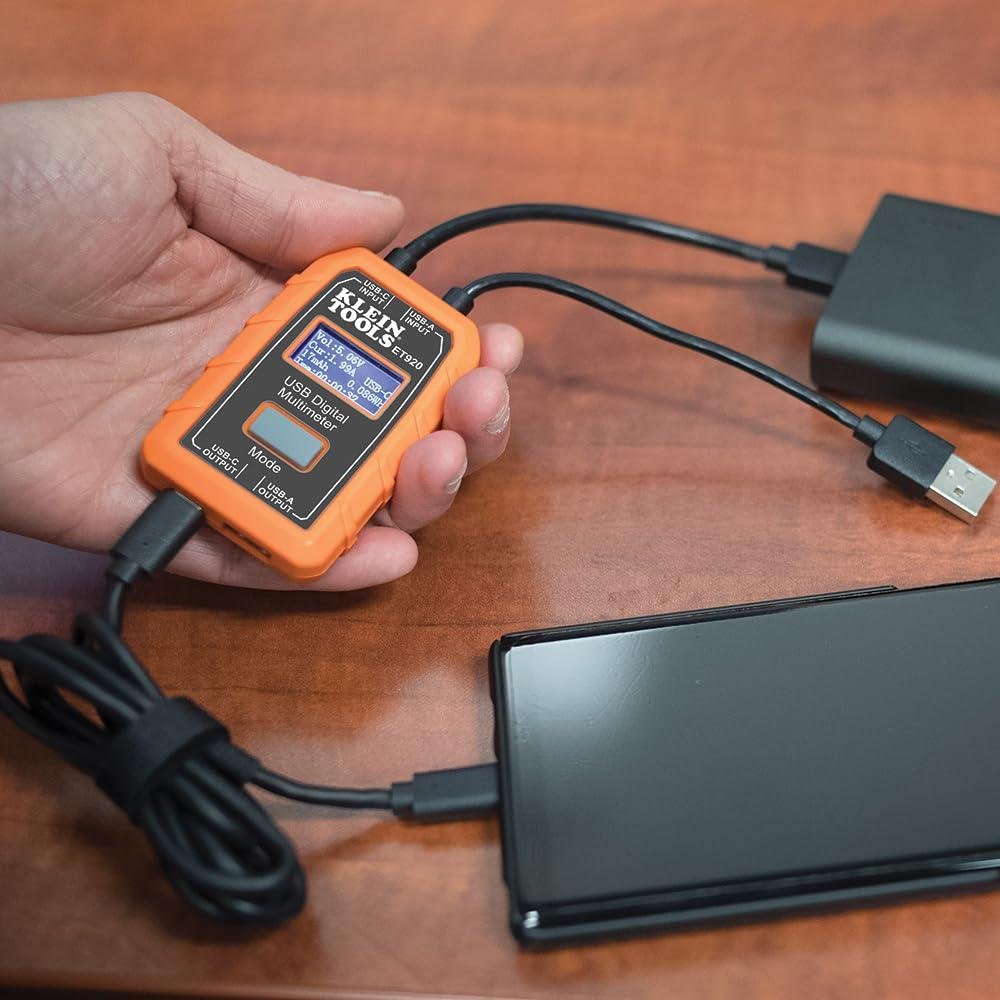
The ET920 reads 3 to 20V DC, which covers standard 5V ports and the higher voltages fast chargers use. Current range depends on the connector. USB-A reads 0.05 to 3A and USB-C reads 0.05 to 5A. Anything below 0.05A is outside the stated range, so I would not count on it for tiny trickle loads.
Klein says it works with any USB-A port and most USB-C ports, including Qualcomm Quick Charge ports that can deliver power. Note the word “most.” Some USB-C ports may not play along, so confirm it reads on your source before you build a test plan around it.
- Voltage: 3 to 20V DC
- USB-A current: 0.05 to 3A
- USB-C current: 0.05 to 5A
- Power: drawn from the source, no batteries
Because it runs off the source, a dead port means a dead meter. It also has overload detection for voltage and current, which is a useful warning when you are testing. Still, treat the ranges above as hard limits and keep USB-A loads under 3A. The meter goes in line between the source and the device, so the cable and connection quality on both sides still matter.
How Does It Compare to a Basic Inline USB Power Meter?
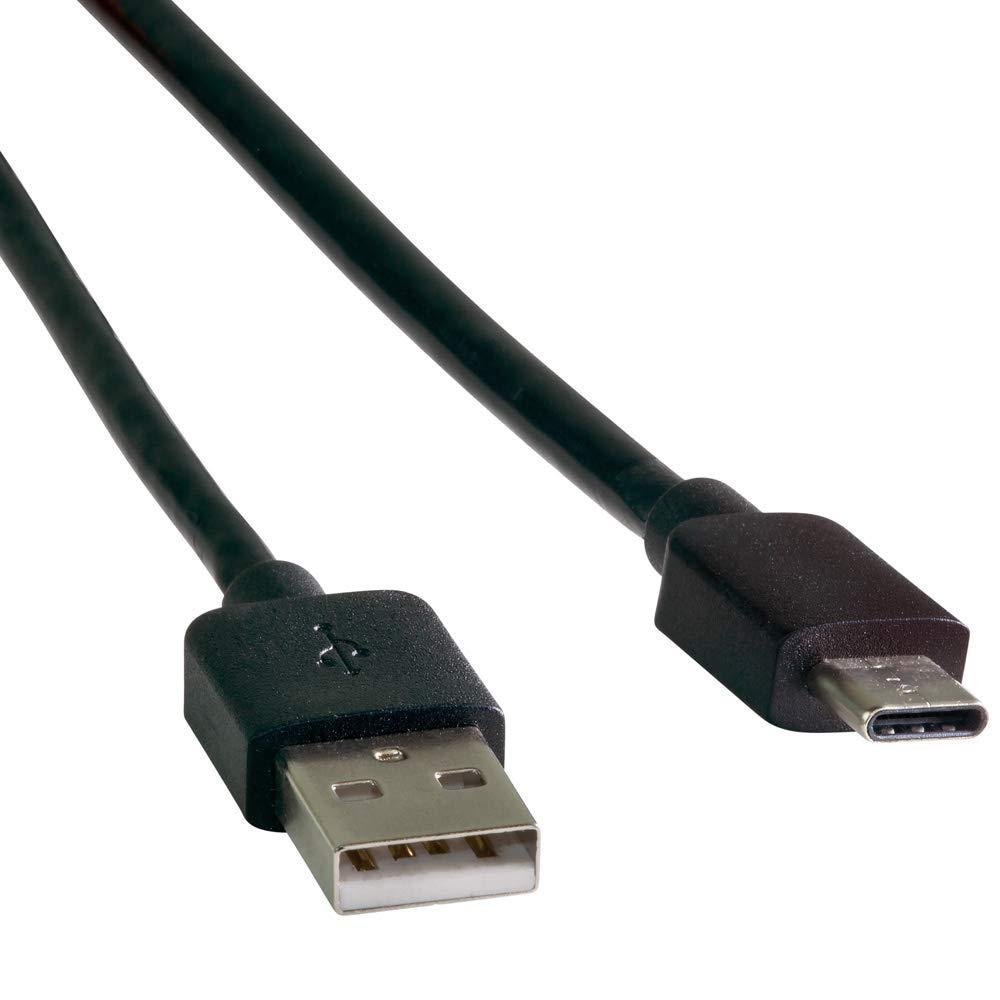
The biggest difference is how much you can read at once. The Klein Tools ET920 shows voltage, current, capacity, energy and resistance together. A basic inline meter usually stops at volts and amps. That extra data helps when you need to know if a charger or cable is delivering what it claims.
- Range: 3 to 20V DC, with 0.05 to 3A on USB-A and 0.05 to 5A on USB-C.
- Monitoring: Continuous logging for up to 1000 hours.
- Memory: Stores and recalls up to 10 readings.
- Protection: Detects voltage and current overload.
- Durability: Rated for 6.6 ft. (2 m) drops.
Cheap meters tend to fall short on memory, screen readability and build. On a jobsite, a dim display or a cracked housing is what ends the tool’s life. The backlit-style hi-res LCD and the drop rating speak to those weak spots. It also needs no batteries because it draws power from the source, so there is nothing to go dead when you need it.
Keep in mind the resistance figure is calculated, not measured directly. Use it as a guide for spotting a weak cable or a poor connection. If all you need is a quick check that a port is live, a basic meter will do that job.
Which Jobs and Users Suit the ET920 Best?
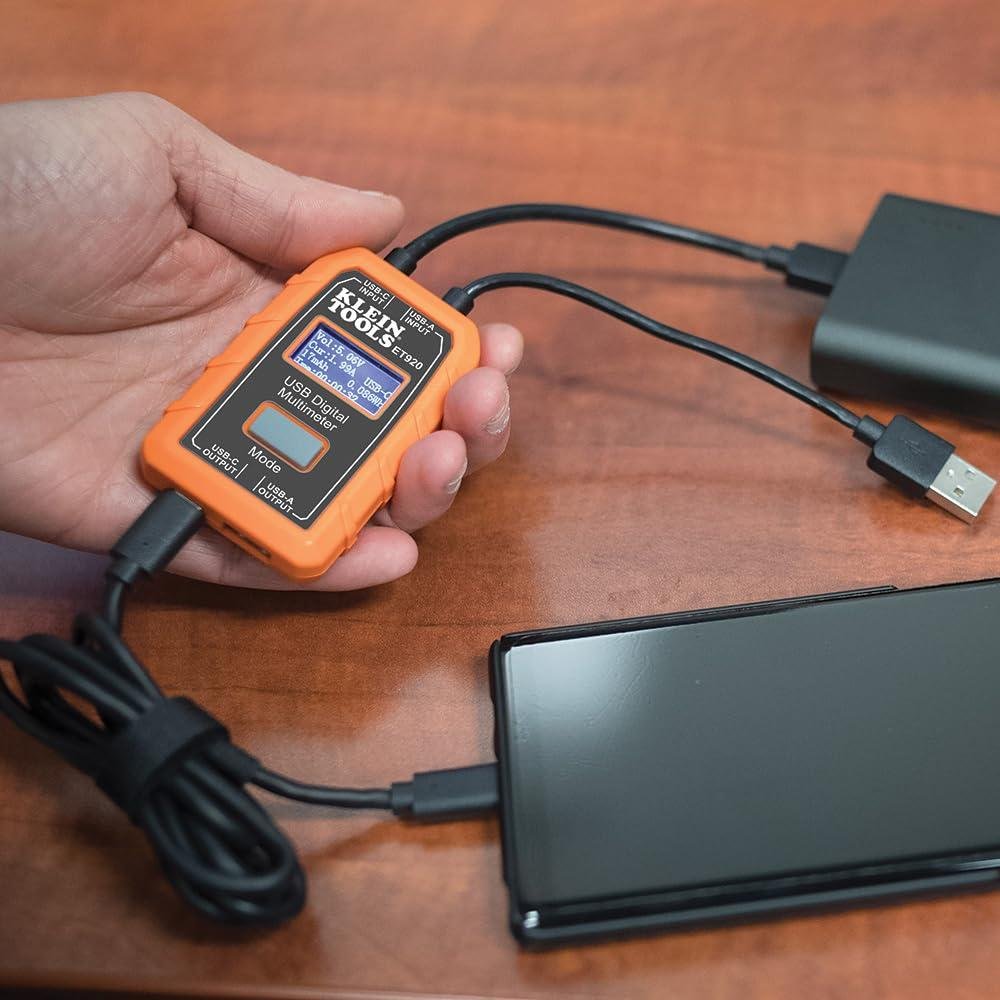
The ET920 suits anyone who needs to see what a USB port is actually delivering, not what the label claims. It shows voltage, current, capacity, energy and resistance at the same time. Resistance is calculated, so treat it as a quick indicator and not a bench-grade reading.
- Techs testing chargers, cables and ports: it reads 3 to 20V DC and 0.05 to 3A on USB-A or 0.05 to 5A on USB-Cand it works with Qualcomm Quick Charge ports.
- Anyone watching a long charge: it monitors for up to 1000 hours and stores 10 readings, so you can compare one cable or charger against another.
- Truck and jobsite use: it is pocket-sized, rated for 6.6 ft drops and needs no batteries.
- Dim spaces: the high-resolution LCD is made to stay readable in low light.
It is a less natural fit if your loads run past 20V or 5A on USB-C. It also has to sit in line between the source and the load, so you need a free cable path to use it. Overload detection for voltage and current is a useful safety net when you are checking unfamiliar sources.
Pros & Cons
| Pros | Cons |
|---|---|
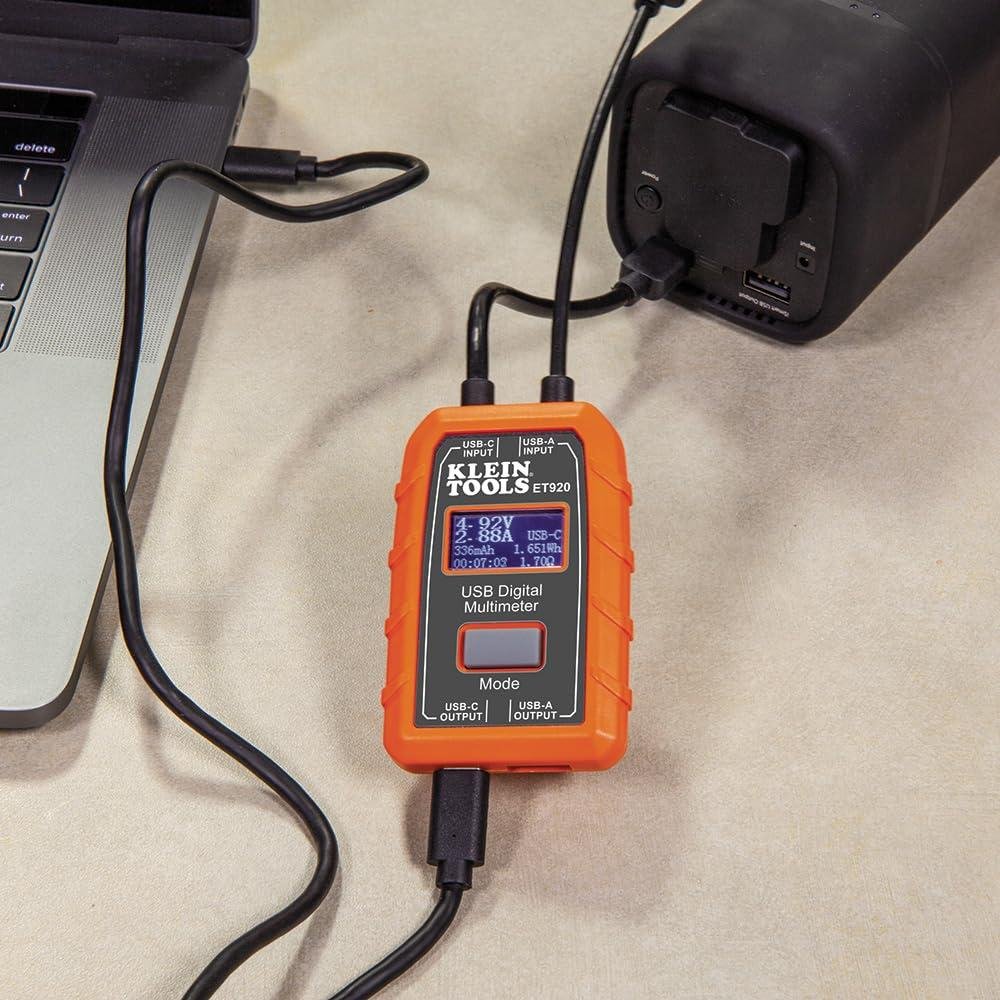
| Shows voltage, current, capacity, energy and resistance at the same time. | Works with most USB-C ports, not all of them. |
| Needs no batteries. It draws power from the source you test. | Needs a live power source, so it can’t check a dead port. |
| Pocket sized and rated for 6.6 ft drops. | Resistance is calculated, not measured directly. |
| Flags voltage and current overload during testing. | Current tops out at 3A on USB-A and 5A on USB-C. |
| Hi-res LCD stays readable in low light. | Stores only 10 readings and lists no data export. |
Skip it if: you need to log long runs to a computer, test above 20V or 5Aor take true resistance readings. A dedicated data-logging USB tester or a good multimeter will serve you better.
Frequently Asked Questions
Does the Klein Tools ET920 need batteries?
No, the Klein Tools ET920 does not need batteries. It draws power from the power source to function, so there is nothing to replace or charge. On a jobsite that matters, because a meter with a dead cell is useless when you need it. Plug it in and it runs.
What does the Klein Tools ET920 USB power meter measure?
The ET920 measures voltage, current, capacity, energy and resistanceand it shows them at the same time. Resistance is a calculated value. It can monitor for up to 1000 hours and store up to 10 readings you can recall later. That covers most of what you need to size up a USB charger or cable.
Does the Klein Tools ET920 work with USB-C and Quick Charge ports?
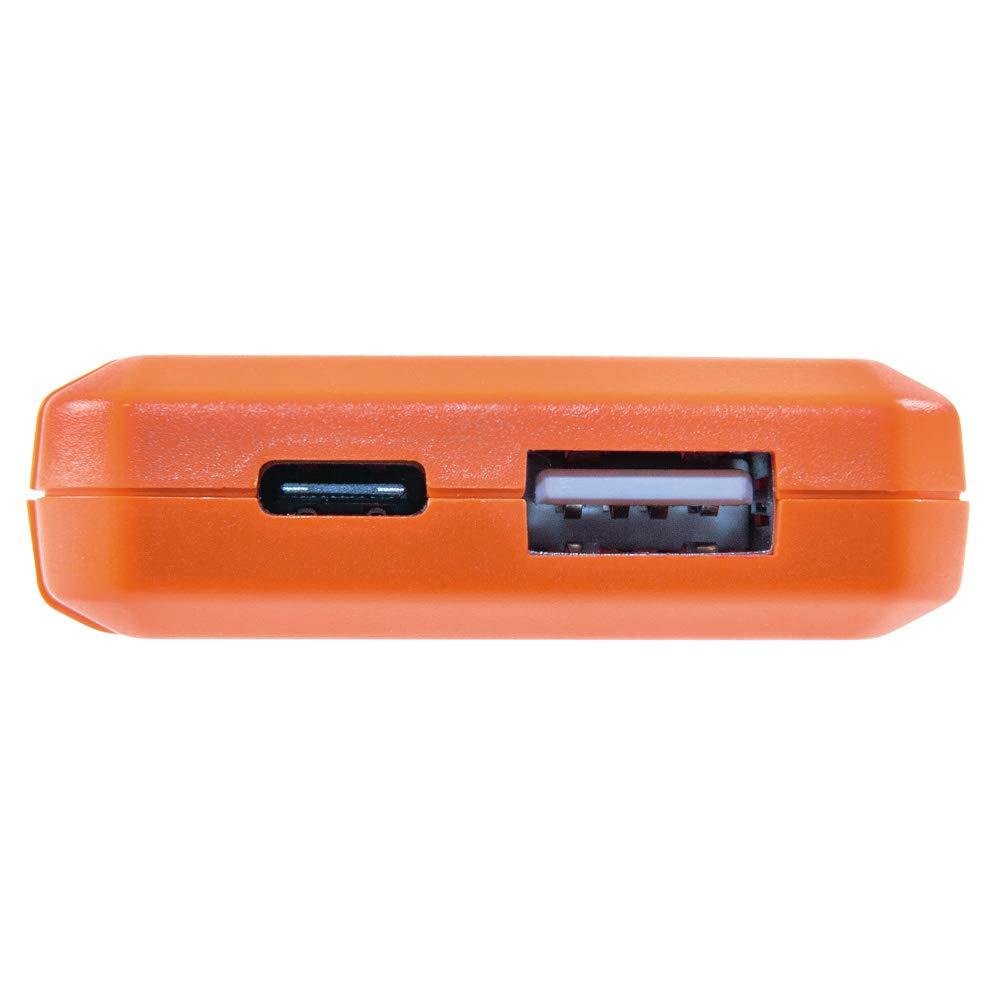
Yes, the Klein Tools ET920 works with any USB-A port and most USB-C ports, including Qualcomm Quick Charge ports that can deliver power. It tests 3 to 20V DC. Current range is 0.05 to 3A on USB-A and 0.05 to 5A on USB-C. If your port falls outside those numbers, check the listing first.
How do you hook up the Klein ET920 USB power meter?
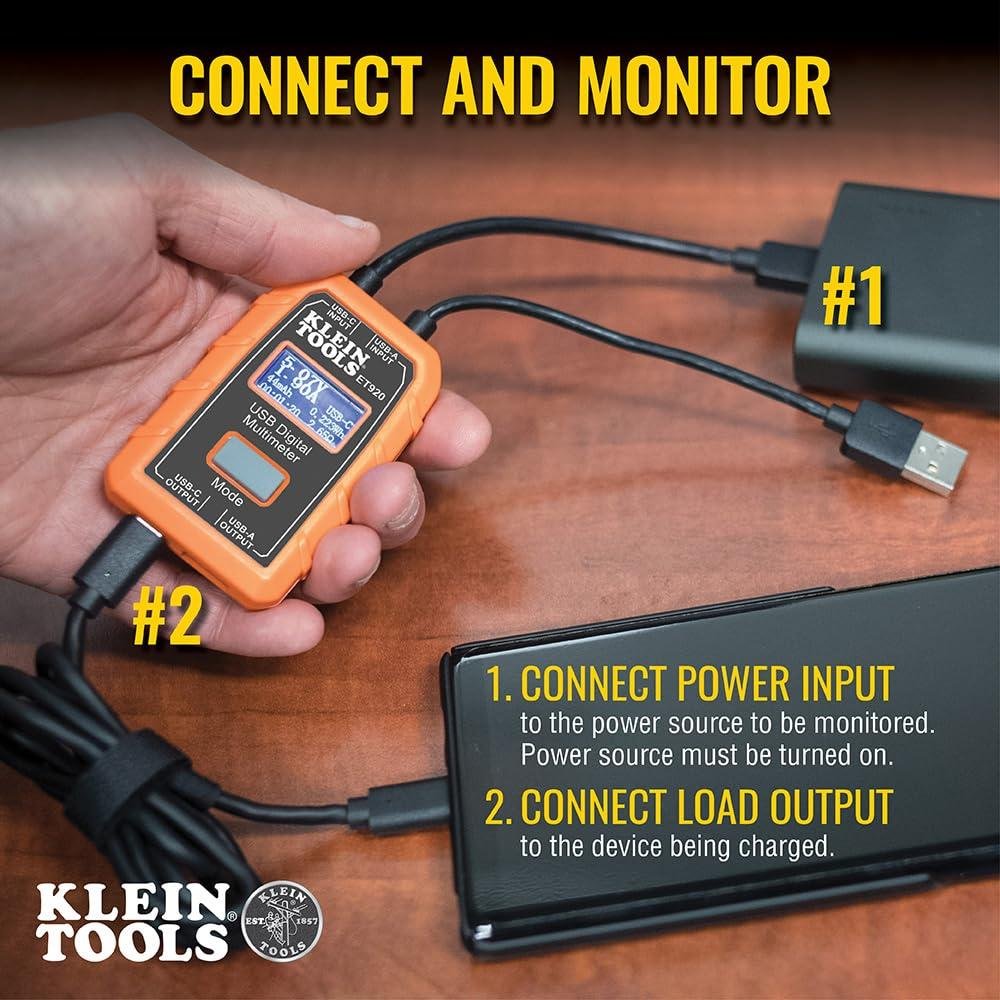
Connect it in line between the source being measured and the power source. That is the whole setup. It also detects voltage and current overload, which helps protect your devices and power sources during testing. Stay inside the listed voltage and current ranges anywayand read the manufacturer’s instructions before you plug in anything unfamiliar.
Is the Klein Tools ET920 tough enough for jobsite use?
Klein designed the ET920 for jobsite use, with 6.6 ft. (2 m) drop protection and a pocket-sized, lightweight body. The LCD is high resolution and meant to read clearly in low light. I have not used this unit, so I can’t speak to long-term wear. Check the listing or Klein for warranty details.
Final Verdict
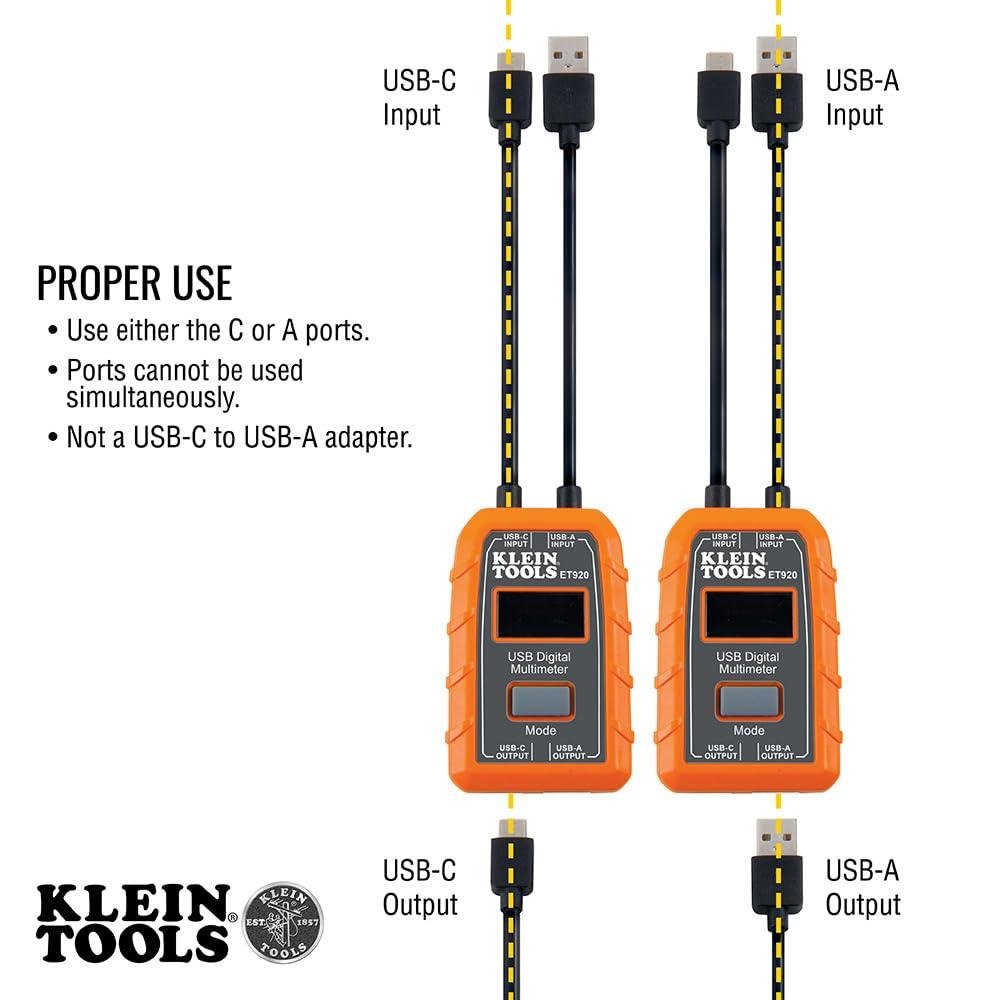
The Klein Tools ET920 is a narrow tool. It sits in line between a USB source and a load and shows voltage, current, capacity, energy and resistance. It covers 3 to 20V DC, up to 3A on USB-A and up to 5A on USB-C. It needs no batteries, stores 10 readings and has overload detection. Klein rates it for a 6.6 ft drop. I have not tested it, so I can’t speak to real-world accuracy. The spec list looks solid for a pocket meter.
It suits a serious DIYer or a tech who checks chargers, cables and power banks and wants to confirm a port delivers what it claims. A homeowner with one phone charger probably does not need it. Look elsewhere if you need readings above 20V or past those current limits. It reads USB ports only, so it will not help with mains power.